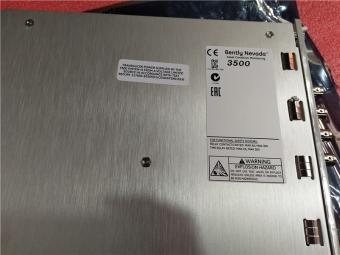



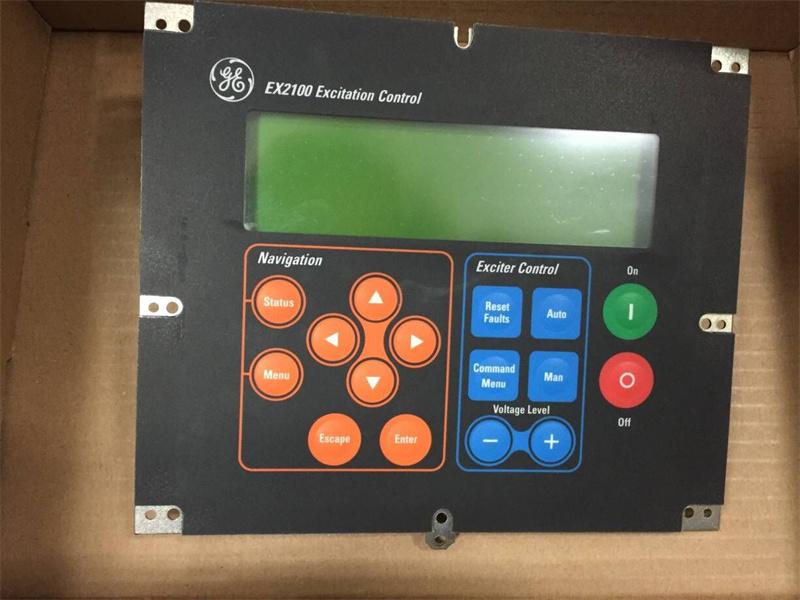
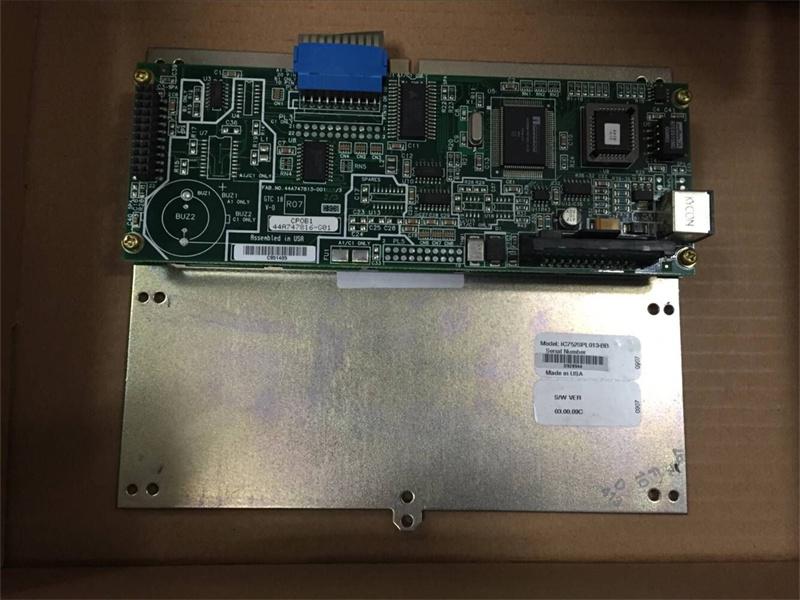
|
Manufacture |
GE |
|
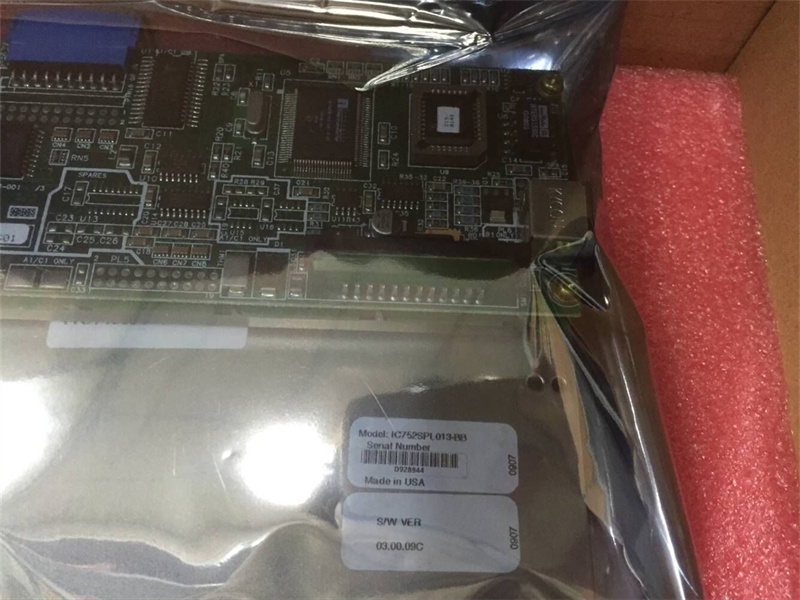
Model |
IC752SPL013 |
| PN No. | IC752SPL013 |
|
Catalog |
EX2100 |
|
Description |
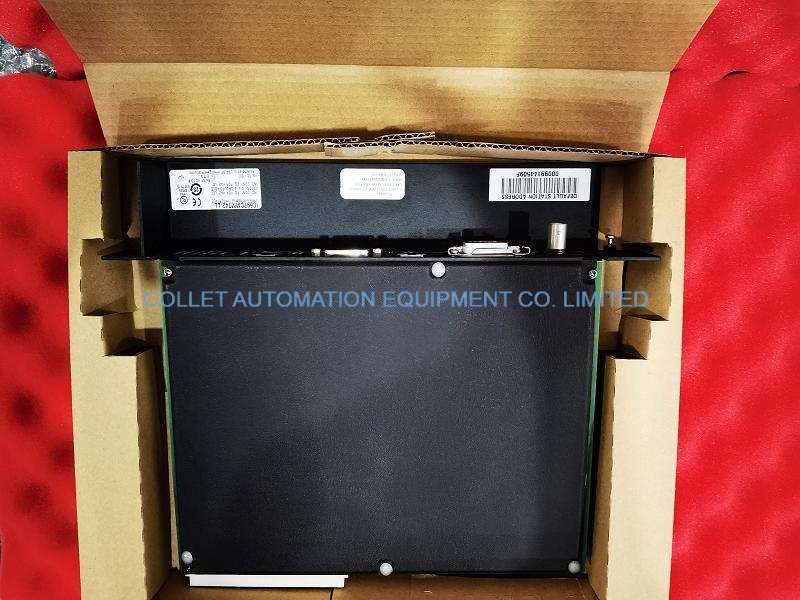
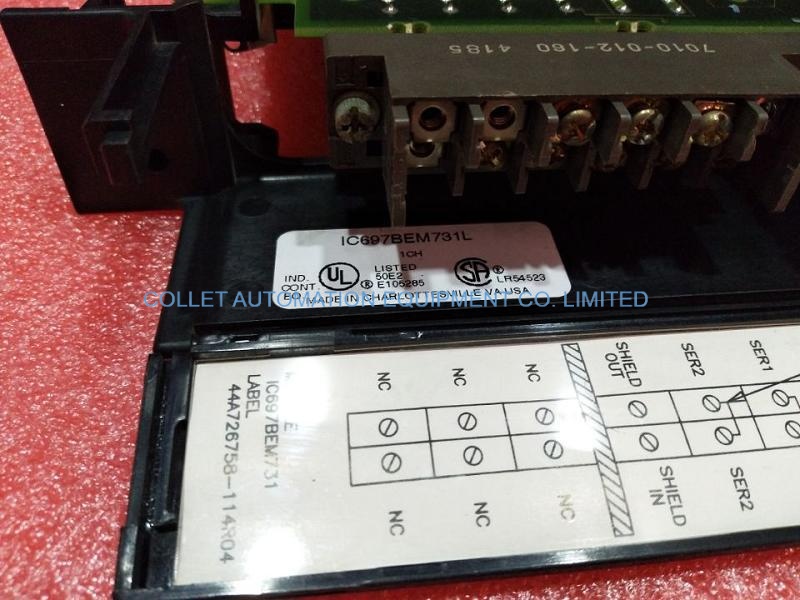
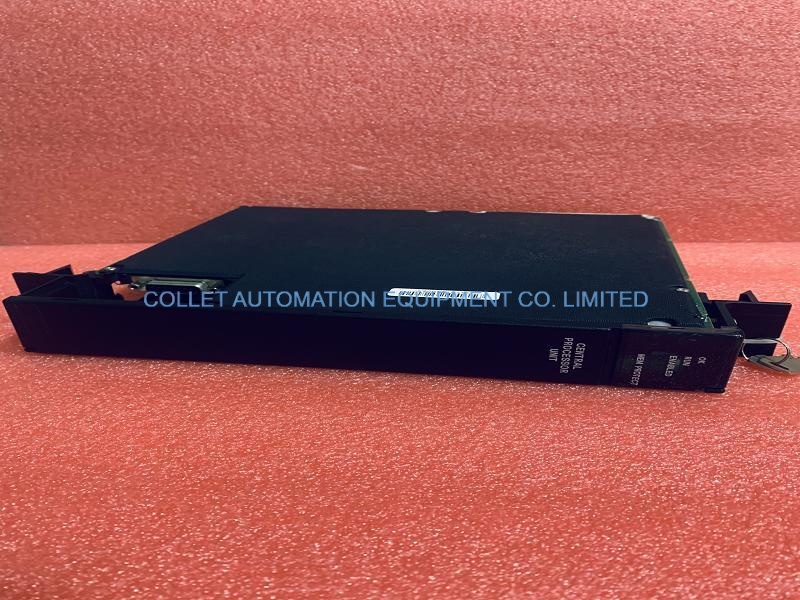
KEYPAD ASSEMBLY
|
| Origin | USA |
| HS CODE |
85389091 |
| Dimension |
25*18*6 (CM) |
| Weight | 1.5 kg |
Description:
The keypad module can be replaced while the EX2100 is energized. All other boards and components must be replaced only when EX2100 is de-energized.
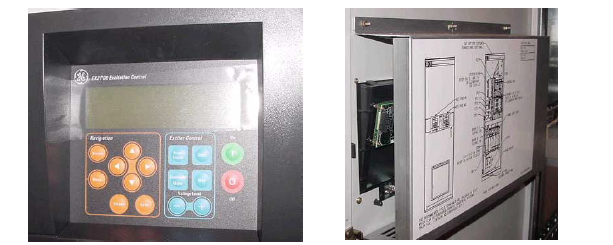
1. Remove the six nuts securing the keypad protective cover and remove it from back of cabinet door (see Figure 3-2).
2. Disconnect all cables from the keypad.
3. Remove the keypad mounting screws and remove the keypad.
4. Orient new keypad in the same position as the one removed, and mount it with the screws removed in step 3.
5. Tighten hardware per Table 3-1.
6. Reinstall the keypad protective cover that was removed in step 1.
Frequently Asked Questions:
1.IC752SPL013 Keypad/DDI display off?
1. Are plugs connected correctly?
2.Check the LEDs on the EPSM board for proper voltage indications.
3.Check DSPX board for proper operation.
4.Replace DSPX board or keypad/DDI.
2.IC752SPL013 Keypad/DDI ineffective,no errors displayed?
1. Are plugs inserted properly?
2. Check DSPX board for proper operation.
3. Replace DSPX board or keypad/DDI.
Datasheet Link:
 IC752SPL013 GE EX2100, KEYPAD ASSEMBLY PDF Datasheet